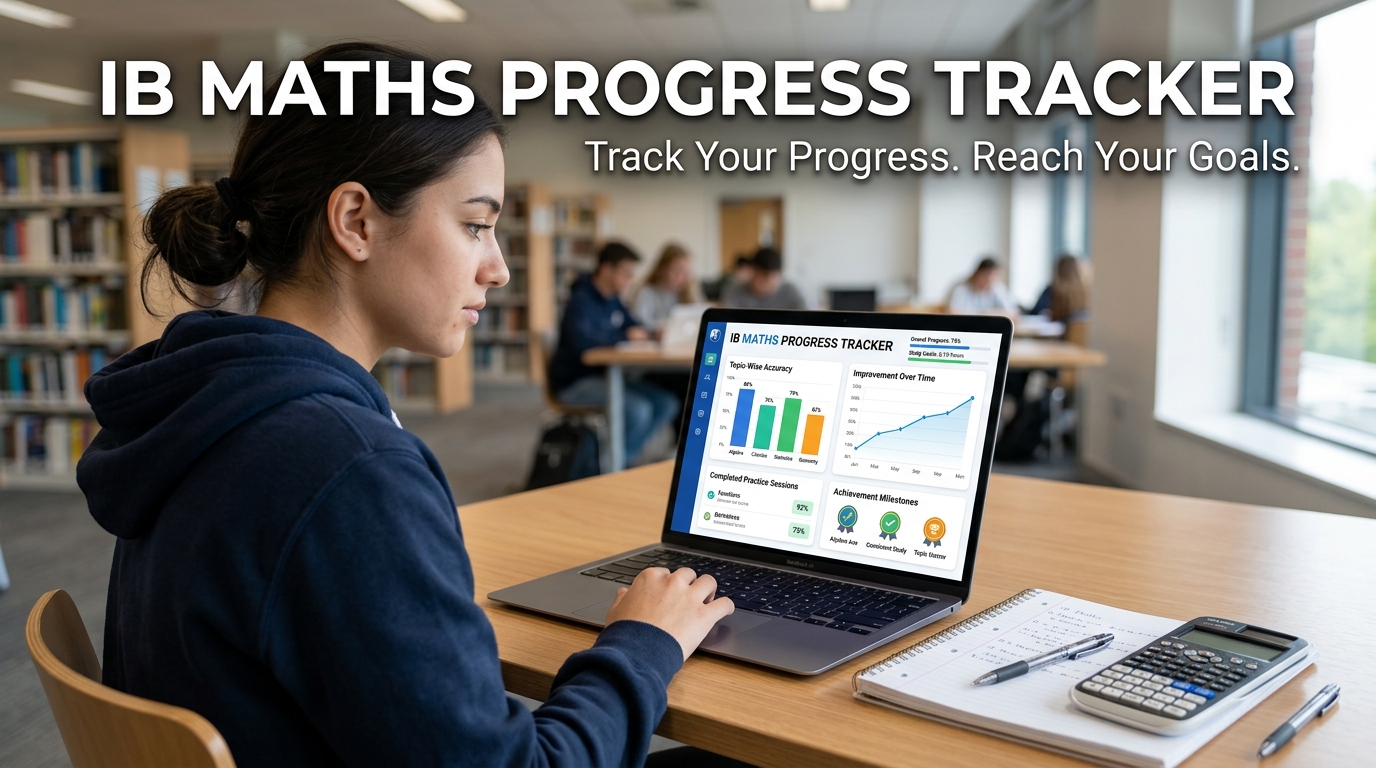
Introduction to IB Math Progress Tracker
Improving in IB Math is about more than completing practice questions.
Students also need to know whether they are actually making progress.
Many students spend weeks solving questions but struggle to answer simple questions like
- Am I getting better?
- Which topics have improved?
- Which topics still need work?
- Am I ready for my next exam?
Without a way to measure progress, revision often becomes uncertain.
Students may continue revising topics they have already mastered while overlooking areas that continue to reduce their marks.
Tracking progress helps solve this problem by turning practice into measurable improvement.
This is one of the main goals of the Mathzem Student Dashboard.
Table of Contents
Why Tracking Progress Matters
Imagine two students who both complete 100 IB Math questions.
The first student only knows how many questions they answered correctly.
The second student knows:
- Which topics improved
- Which mistakes still appear regularly
- Where method marks are being lost
- Which areas need more practice
- How their performance has changed over time
The second student has much more useful information for planning revision.
Tracking progress helps students study with purpose rather than relying on guesswork.
The Problem With Traditional Revision
Many revision methods focus on quantity.
Students often measure progress by asking:
- How many questions did I finish?
- How many hours did I study?
- How many past papers have I completed?
These numbers can be encouraging, but they do not always reflect learning.
A student may complete hundreds of questions while repeating the same mistakes.
Real progress comes from improving performance, not simply increasing practice time.
What Should Students Track?
Effective revision should measure more than scores.
Students benefit from tracking:
- Topic performance
- Method marks
- Accuracy
- Common mistakes
- Strong topics
- Weak topics
- Improvement over time
Together, these measurements provide a much clearer picture of learning.
How Mathzem Tracks Progress
Mathzem uses every completed practice question to build a personalised picture of student performance.
The process follows four simple steps.
Step 1: Practise IB Style Questions
Students begin by completing IB-style mathematics questions across different syllabus topics.
Each question provides valuable information about current understanding.
Step 2: Upload Your Working
Instead of checking only the final answer, students upload their complete mathematical working.
This allows the platform to review the following:
- Mathematical methods
- Logical reasoning
- Working shown
- Calculation accuracy
- Communication
Reviewing the full solution provides much richer information than checking answers alone.
Step 3: Receive AI Examiner Style Feedback
After reviewing the uploaded solution, Mathzem provides AI examiner-style feedback.
Students receive:
- Estimated marks
- Method analysis
- Mistake identification
- Topic-specific feedback
- Suggested next steps
Every completed question contributes to the student’s overall progress record.
Step 4: Update the Student Dashboard
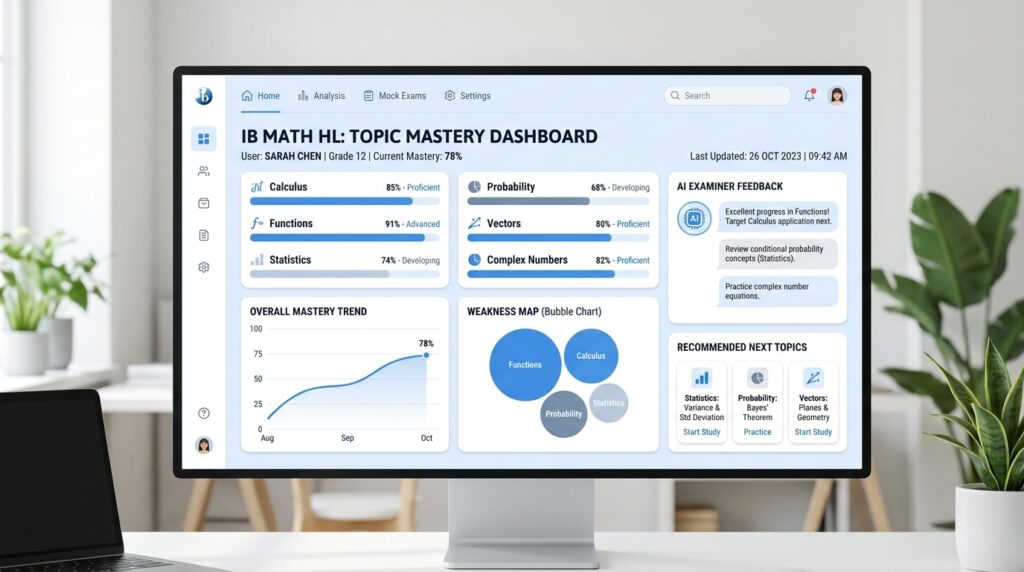
The dashboard automatically updates performance information after each practice session.
Students can see:
- Topic progress
- Weakness Map updates
- Mistake Journal entries
- Strong and weak subjects
- Personal revision recommendations
Instead of relying on memory, students can see measurable improvement over time.
Seeing Improvement Across Every Topic
IB Mathematics covers many different areas.
For example:
- Functions
- Calculus
- Statistics
- Probability
- Vectors
- Complex Numbers
- Sequences and Series
Students rarely improve at the same rate across every topic.
The dashboard helps identify:
- Topics improving quickly
- Topics remaining stable
- Topics requiring additional practice
This allows revision to stay focused on areas with the greatest potential for improvement.
Why the Weakness Map Matters
The Weakness Map highlights topics where marks are consistently lost.
Rather than asking:
“What should I revise today?”
Students can ask:
“Which topic is currently having the biggest impact on my marks?”
As students improve, the Weakness Map changes automatically.
This ensures revision priorities remain up to date.
Learning From the Mistake Journal
Progress is not only about stronger topics.
It is also about making fewer repeated mistakes.
The Mistake Journal records recurring issues such as:
- Algebra mistakes
- Missing working
- Incorrect notation
- Calculator errors
- Method mark losses
Students can see whether these mistakes become less frequent over time.
This is often one of the clearest signs of genuine improvement.
From Progress Tracking to a Personal Revision Plan
Collecting performance data is only useful if students know how to use it.
Mathzem turns dashboard insights into practical revision guidance.
Students can quickly identify the following:
- Which topic deserves immediate attention
- Which skills are improving
- Which mistakes still need work
- Which questions should be practised next
This creates a personalised revision plan based on actual performance instead of assumptions.
Preparing More Effectively for Exams
As exams approach, many students wonder if they are ready.
Instead of relying only on confidence, progress tracking provides measurable evidence.
Students can review:
- Overall topic performance
- Recent improvements
- Remaining weak areas
- Frequently repeated mistakes
This helps make final revision more focused and efficient.
The Practice → Upload → Review → Improve Workflow
Every practice session contributes to long-term learning.
Practise
Complete IB-style questions.
Upload
Submit your complete mathematical working.
Review
Study AI examiner-style feedback and dashboard insights.
Improve
Revise the topics identified by your latest performance.
Repeating this cycle allows students to monitor continuous progress throughout the IB course.
Conclusion
Tracking progress is one of the most effective ways to improve in IB Math.
Rather than relying on the number of questions completed, students benefit from understanding how their skills develop over time.
Mathzem helps make this possible by combining IB-style practice questions, AI examiner-style feedback, Weakness Maps, Mistake Journals, and personalised revision recommendations inside one connected student dashboard.
Every completed question becomes more than practice.
It becomes evidence that helps students revise smarter, monitor improvement, and prepare with greater confidence.
Start Improving With Mathzem
Check your strongest and weakest IB Math topics
Practise IB-style questions and upload your working
Track your progress with AI examiner-style feedback and personalised revision
FAQ About IB Math Progress Tracker
Why should I track my IB Math progress?
Tracking your progress helps you identify which topics are improving, where you continue to lose marks, and what to revise next.
What does the Mathzem student dashboard track?
The dashboard tracks topic performance, estimated marks, recurring mistakes, Weakness Map updates, and personalised revision recommendations.
How does AI feedback improve progress tracking?
AI feedback analyses your complete working, helping you understand how your methods, reasoning, and calculations affect your overall performance.
How often is my progress updated?
Your dashboard updates after every completed practice question and uploaded solution, giving you an up-to-date picture of your learning.
How does progress tracking improve exam preparation?
It helps you focus revision on weak areas, monitor improvement over time, and make better decisions about what to practice before exams.