Your IB math calculator guide (GDC) is one of the most powerful tools.
But many students don’t use it properly.
They either:
- Depend on it too much
- Or don’t use its full capabilities
In IB Math, especially AI courses, your calculator can save time, reduce errors, and help you solve complex problems efficiently.
In this guide, you’ll learn:
- What your calculator can do
- Key functions you must master
- Common mistakes to avoid
- How to use it effectively in exams
Table of Contents
What Is a GDC?
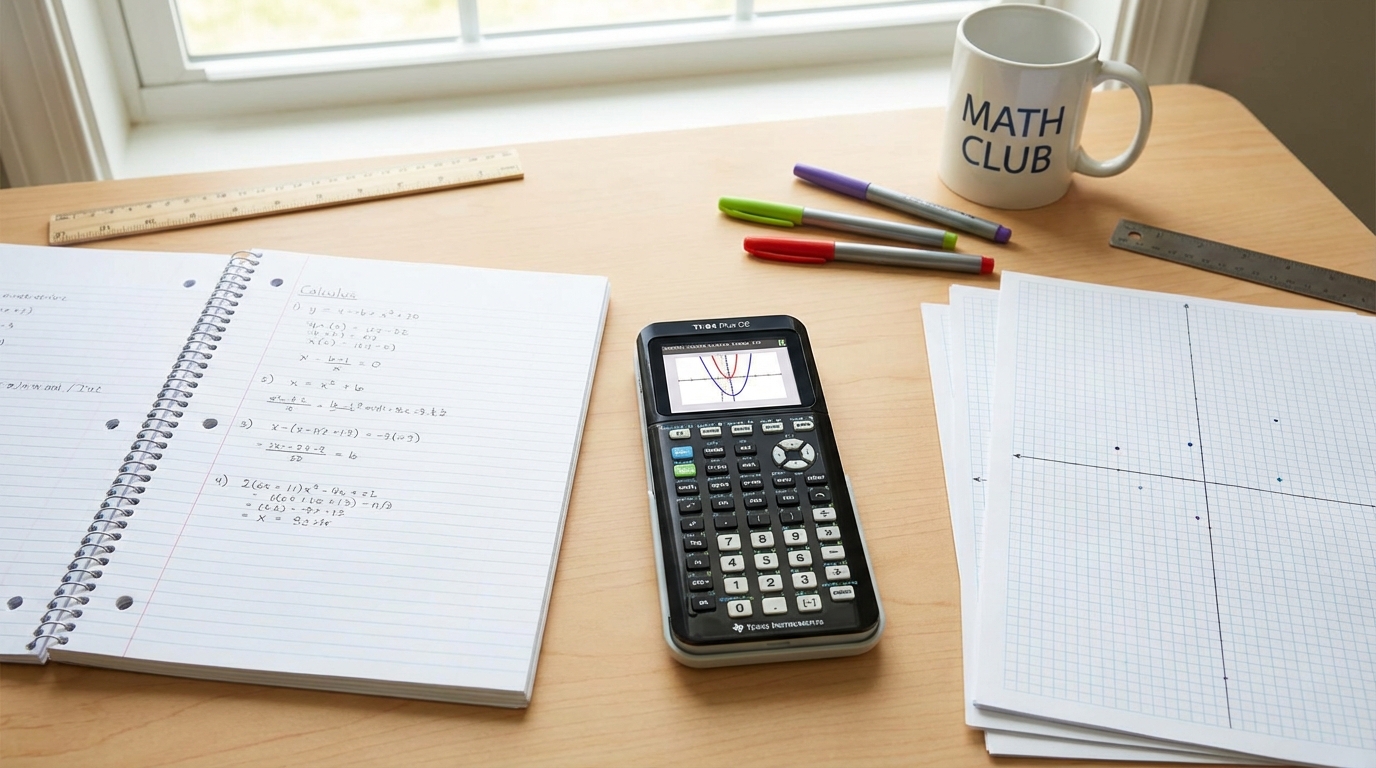
A GDC (Graphic Display Calculator) is a calculator that can:
- Plot graphs
- Solve equations
- Perform statistical analysis
- Work with probability distributions
Common models include TI (Texas Instruments) and Casio calculators.
Why the GDC Is Important in IB Math
In many IB exams:
- Calculator use is allowed
- Questions are designed expecting calculator use
- Efficiency matters
The GDC helps you:
- Save time
- Reduce manual calculations
- Visualize mathematical relationships
However, you still need to understand the math behind it.
Essential GDC Skills You Must Know
1. Graphing Functions
You should be able to:
- Enter functions correctly
- Adjust window settings
- Find intersections
- Identify maximum and minimum points
Graphing is useful for solving equations visually.
2. Solving Equations
Your calculator can:
- Solve equations numerically
- Find roots of functions
- Approximate solutions quickly
This is especially helpful in complex problems.
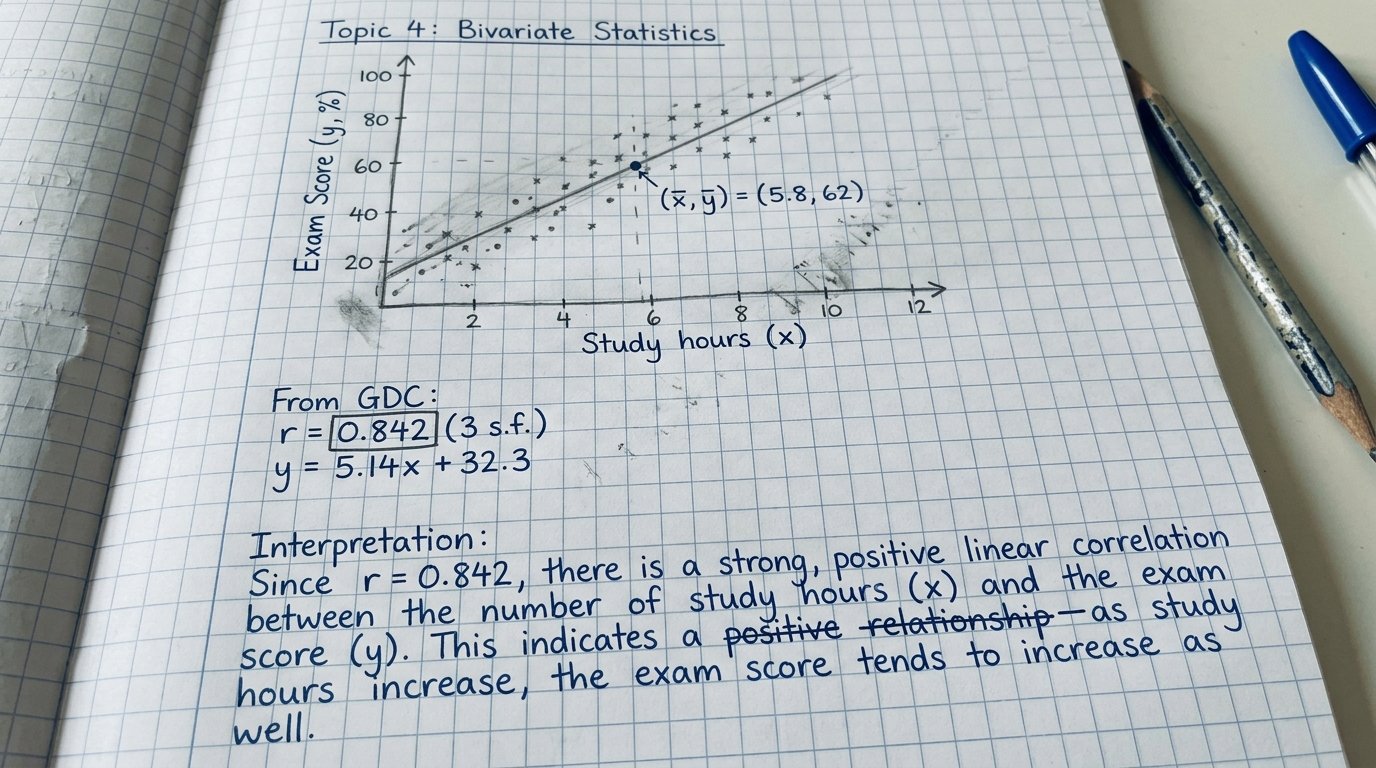
3. Regression Analysis (Very Important for AI)
You should know how to:
- Input data
- Create scatter plots
- Calculate regression equations
- Interpret correlation
Regression is heavily tested in AI exams.
4. Probability Distributions
Your GDC can calculate:
- Normal distribution probabilities
- Binomial probabilities
This saves time and improves accuracy.
5. Working With Tables
Tables help you:
- Analyze function values
- Identify patterns
- Approximate solutions
This is useful when graphs are not clear.
Calculator Tips for IB Exams
Show Your Working
Even if you use the calculator, write:
- Key steps
- Formulas used
- Final interpretation
Method marks are important.
Check Your Inputs
Small mistakes in input can lead to incorrect answers.
Always double-check:
- Signs
- Brackets
- Mode (degrees vs radians)
Use It to Verify Answers
Even if you solve a problem manually, use your calculator to check your result.
Don’t Rely on It Blindly
Your calculator is a tool, not a replacement for understanding.
If you don’t understand the math, you may misinterpret results.
Common Calculator Mistakes
Students often:
- Use the wrong angle mode
- Enter equations incorrectly
- Misread outputs
- Skip writing steps
Avoiding these mistakes can improve your score quickly.
TI vs Casio: Does It Matter?
Both calculators can perform required IB functions.
The difference is mainly:
- Interface
- Button layout
- Menu navigation
Choose the one you are most comfortable using and practice consistently with it.
How to Practice Using Your GDC
To improve your calculator skills:
- Use it regularly during practice
- Solve past paper questions using the GDC
- Learn shortcuts for common functions
- Practice under timed conditions
The more familiar you are, the faster you’ll work in exams.
Need Help Mastering IB Math Tools and Techniques?
If you want structured support to improve your IB Math performance, our membership includes:
- Calculator tutorials and strategies
- Past paper walkthroughs
- Topic-by-topic guidance
- IA support and revision plans
Explore everything here:
https://mathzem.com/membership-pricing/
Using your calculator effectively can save valuable marks in the exam.
Frequently Asked Questions About IB Math Calculator Guide
1. Is the calculator allowed in IB Math exams?
Yes, calculators are allowed in most IB Math papers, especially in AI courses.
2. Do I need to show working if I use a calculator?
Yes. You must show key steps to earn method marks.
3. Which calculator is best for IB Math?
Both TI and Casio calculators are suitable. Choose the one you are comfortable with.
4. Can the calculator solve all problems?
No. It helps with calculations, but you still need to understand the concepts.
5. How can I improve my calculator skills?
Practice regularly, learn key functions, and use it during past paper practice.
Conclusion
The GDC is a powerful tool that can significantly improve your IB Math performance when used correctly. By mastering key functions such as graphing, regression, and probability calculations, you can solve problems more efficiently and reduce errors.
However, success in IB Math still depends on understanding concepts and applying them correctly. Use your calculator as a support tool, not a shortcut.
With consistent practice, your GDC can become one of your biggest advantages in the exam.