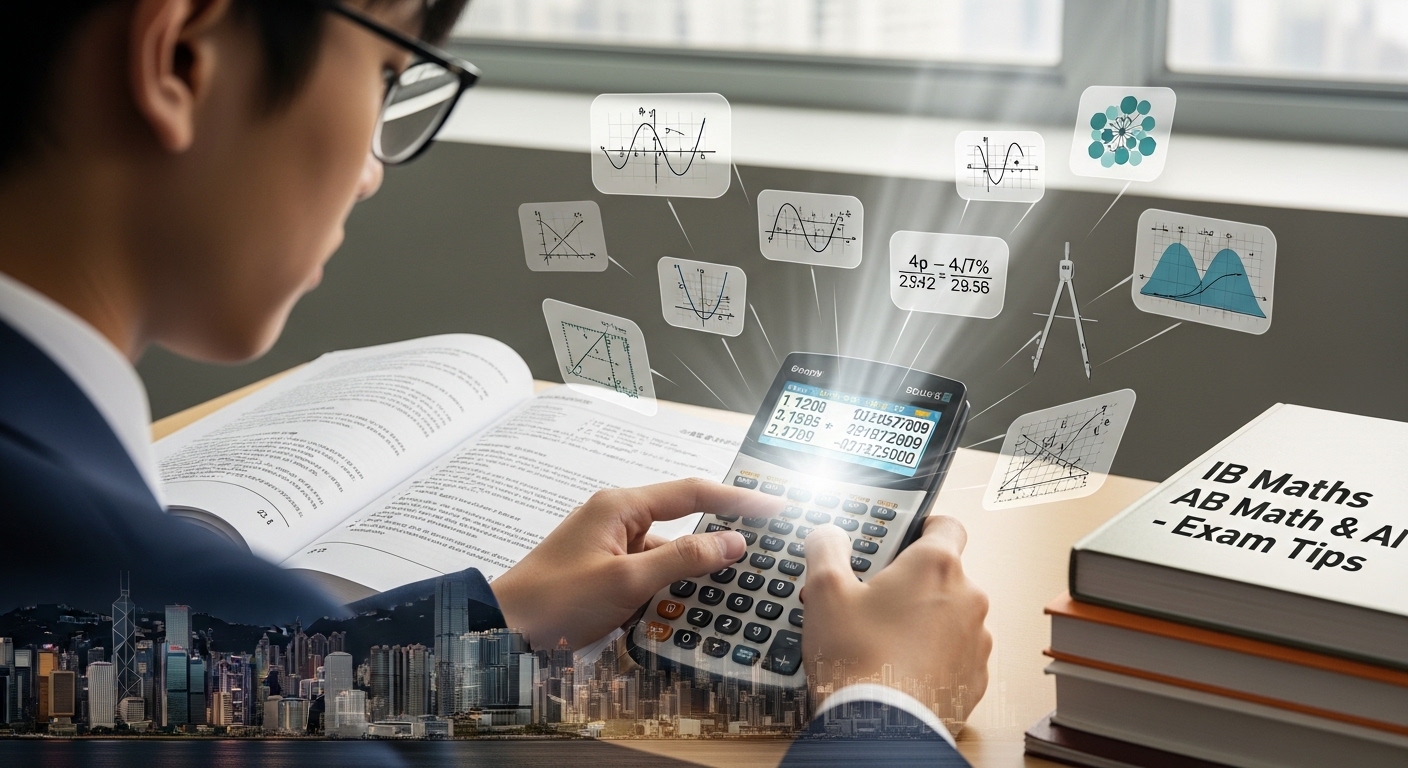
Introduction to IB Maths Calculator Tips
In IB Maths, your calculator is not just a tool, it is a performance advantage. Yet many Hong Kong students either underuse it or misuse it, losing marks that could have been secured easily.
At Mathzem, we train students to use calculators strategically, especially in Applications and Interpretation (AI) and Analysis and Approaches (AA) at both SL and HL levels. This guide explains how to maximise efficiency, avoid common errors, and protect valuable marks.
Table of Contents
Why Calculator Skills Matter in IB Maths
IB examiners expect students to:
- Use technology appropriately
- Interpret calculator outputs correctly
- Show understanding beyond button pressing
A calculator can save time, but only if you know how to use it confidently and accurately.
Know Your Approved Calculator
Most Hong Kong IB students use:
- TI-84 series
- TI-Nspire (non-CAS version unless permitted)
- Casio graphing models
You must:
- Understand your specific model
- Practise with it regularly
- Avoid switching models close to exams
Familiarity reduces exam stress.
Calculator Use in Maths AA vs AI
Maths AA
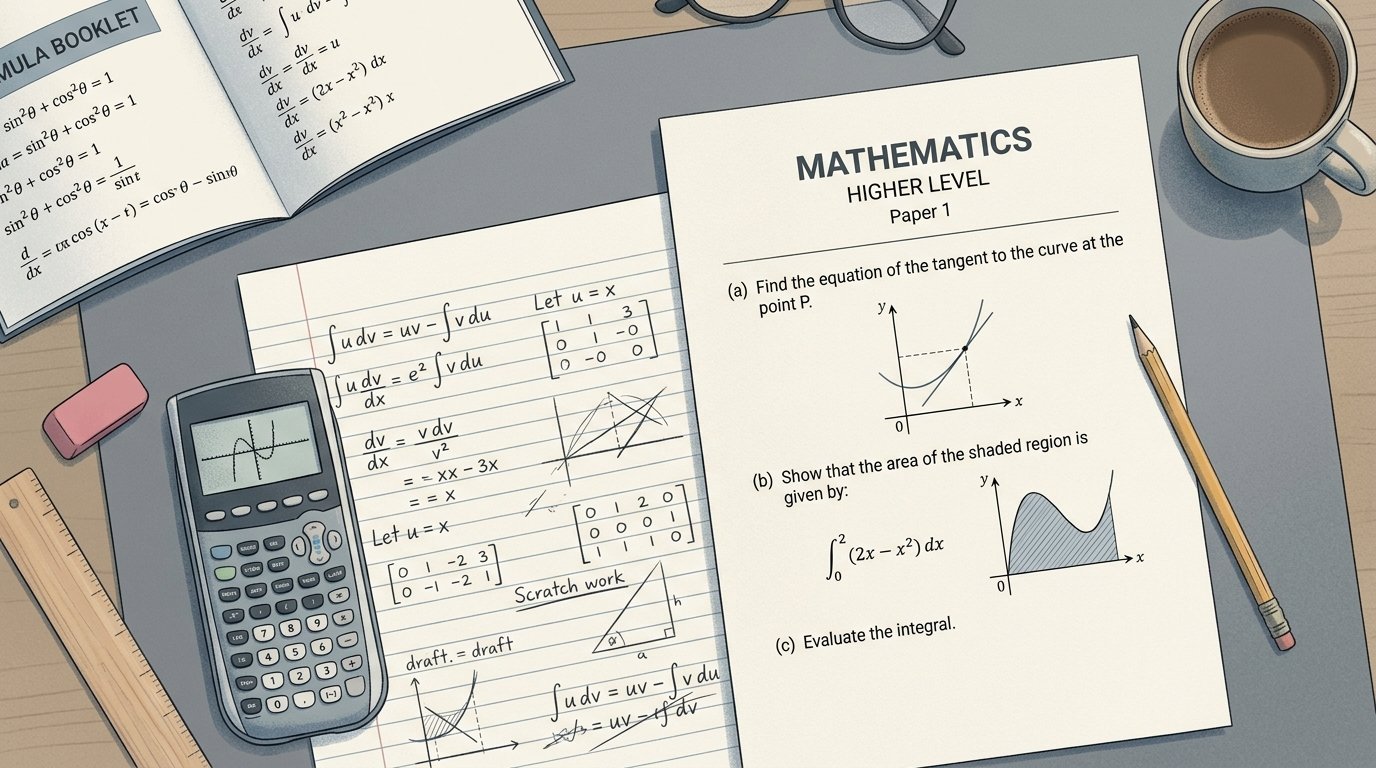
Calculator use is helpful for:
- Graph sketching checks
- Solving equations numerically
- Checking derivatives or integrals
- Matrix calculations
However, AA still requires:
- Strong algebra
- Clear written working
- Logical steps
Overreliance on calculator shortcuts can lose method marks.
Maths AI
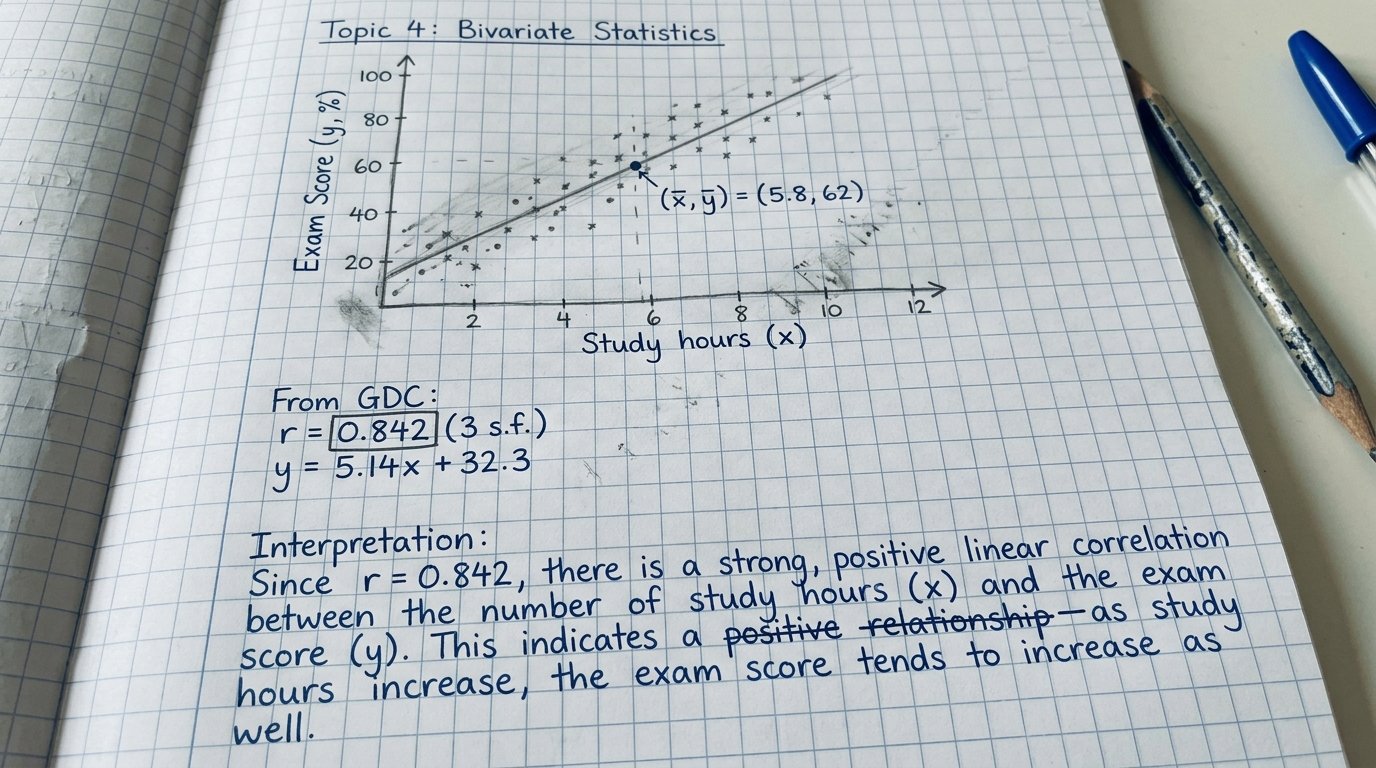
Calculator use is central for:
- Statistical calculations
- Regression analysis
- Probability distributions
- Graph modelling
But interpretation is critical.
Students lose marks when they:
- Copy results without explanation
- Use incorrect statistical modes
- Misinterpret regression parameters
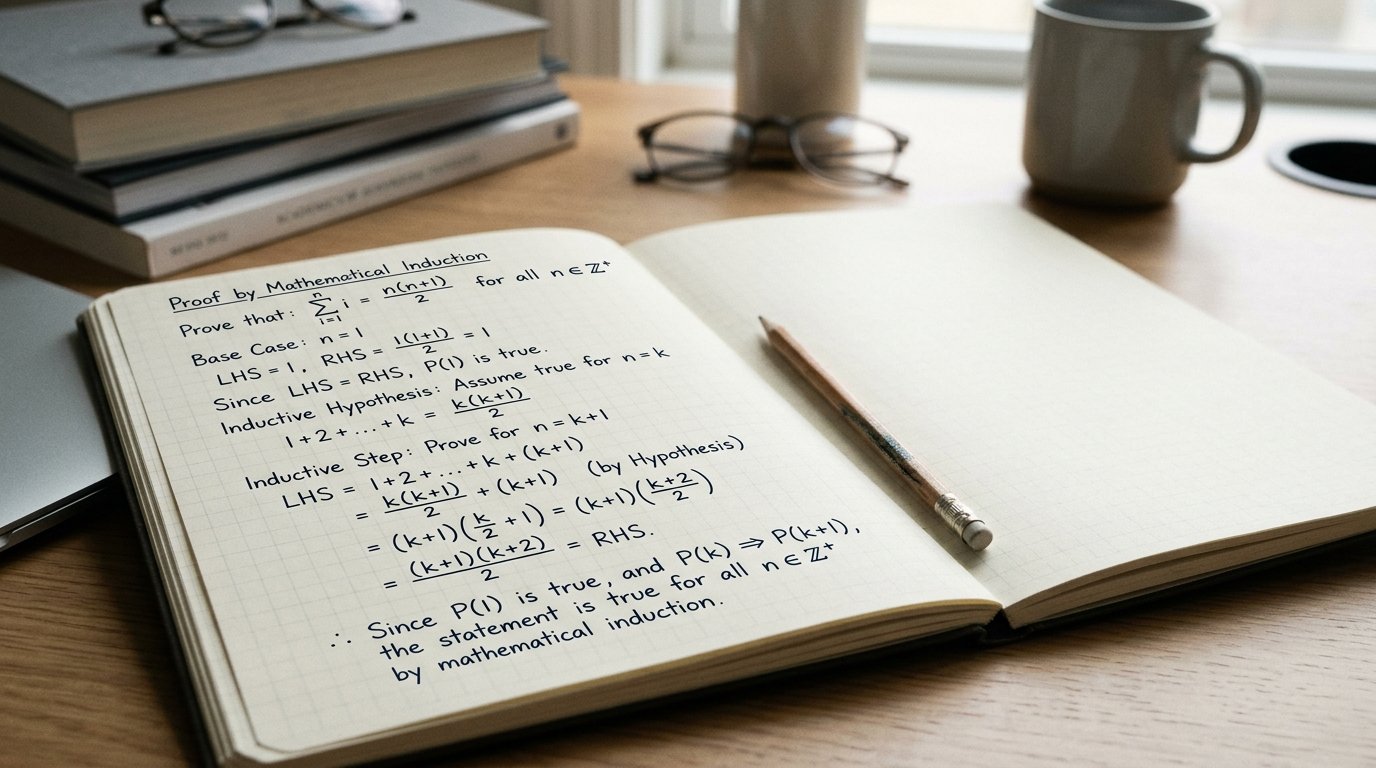
Tip 1: Always Write the Mathematical Setup
Even when using a calculator:
- Write the formula
- Define variables
- Show substitution steps
The calculator confirms results, it does not replace working.
Tip 2: Check Calculator Mode Before Starting
Common mistakes include:
- Degree vs radian mode errors
- Incorrect distribution settings
- Wrong statistical lists
Always verify settings before beginning the exam.
Tip 3: Interpret Results Clearly
Especially in AI:
- Explain what the answer means
- State units
- Connect results to the question context
Interpretation earns marks beyond the numerical answer.
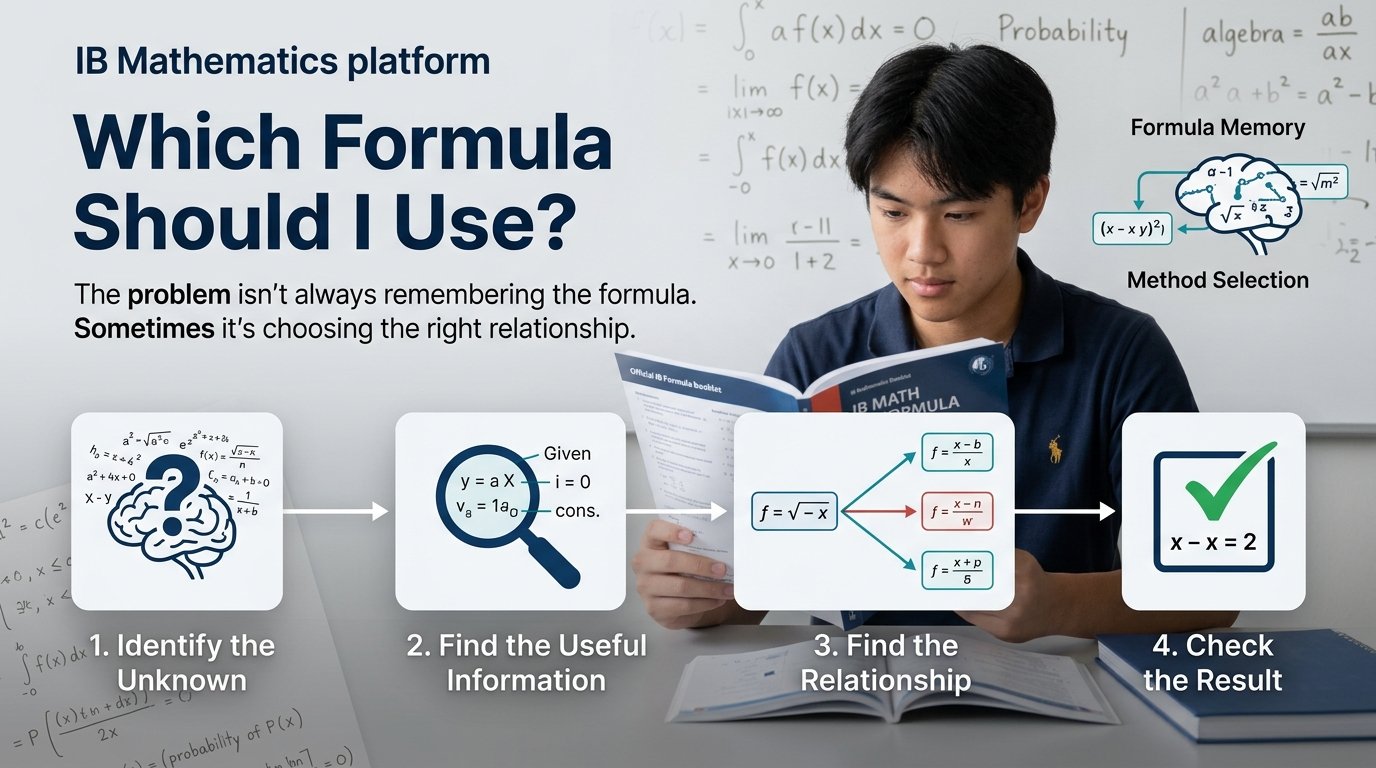
Tip 4: Use the Calculator to Save Time, Not Skip Thinking
Use it to:
- Confirm solutions
- Speed up arithmetic
- Visualise graphs
Do not:
- Skip algebraic reasoning
- Rely on it blindly
- Assume calculator output guarantees full marks
Examiners reward understanding.
Tip 5: Practise Under Timed Conditions
Many calculator mistakes occur under pressure.
Practise:
- Entering long calculations quickly
- Navigating menus efficiently
- Avoiding button errors
Speed improves with repetition.
Tip 6: Avoid Overcomplicating Simple Questions
Some students waste time:
- Using regression when algebra is simpler
- Checking every answer excessively
- Re-entering correct solutions
Use judgement wisely.
SL vs HL Calculator Strategy
SL Students
- Focus on accuracy
- Ensure correct settings
- Practise common exam tasks
HL Students
- Manage calculator time carefully
- Avoid overchecking
- Maintain strong algebra alongside technology
HL exams demand balance.
Common Calculator Mistakes Hong Kong Students Make
At Mathzem, we frequently see:
- Radian mode errors
- Misreading calculator outputs
- Copying too many decimal places
- Forgetting to round appropriately
- Failing to explain statistical results
Awareness prevents repeated mistakes.
How Mathzem Helps Students Master Calculator Use
At Mathzem, we support Hong Kong IB students by:
- Teaching efficient calculator workflows
- Practising exam-style AI statistics questions
- Improving interpretation skills
- Training students to balance algebra and technology
Calculator mastery builds confidence and improves speed.
Explore Mathzem membership and pricing options:
https://mathzem.com/membership-pricing/
FAQs About IB Maths Calculator Tips
Q1: Can I rely entirely on my calculator in IB Maths?
No. Understanding and clear working are still required.
Q2: Is calculator use more important in AI?
Yes — but interpretation remains essential.
Q3: What is the most common calculator mistake?
Using the wrong mode (degrees vs radians).
Q4: Should I round answers during calculations?
Keep full precision until the final answer.
Q5: Can better calculator skills improve my grade?
Yes — efficient use protects time and reduces errors.
Conclusion
Your calculator is a powerful asset in IB Maths, but only when used correctly. Hong Kong students who combine strong conceptual understanding with efficient calculator skills perform more confidently and consistently.
Technology supports performance. It does not replace thinking.
If you want structured guidance mastering IB Maths calculator skills for AA or AI, Mathzem is here to help.
View membership and pricing options